Where your workloads run
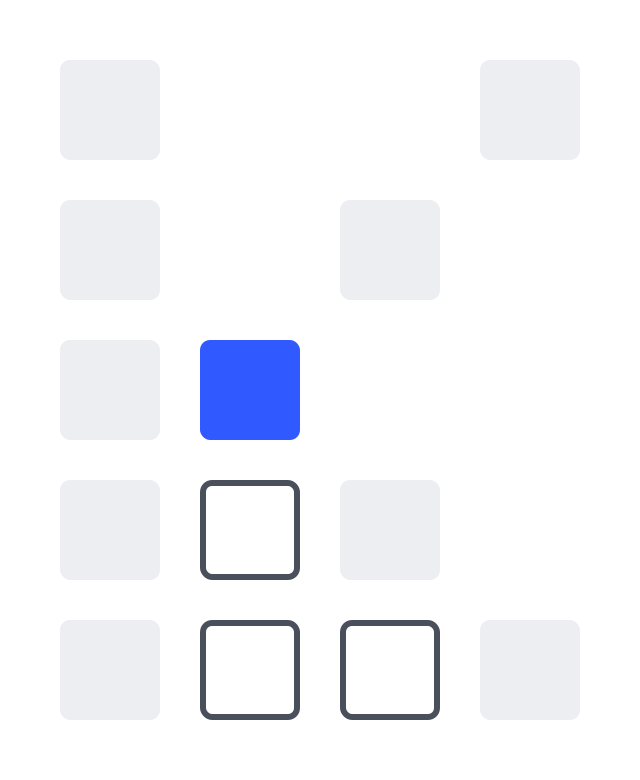
The same deployment can land in four different places. They are not interchangeable: each has a different payer, a different data controller, and a different meaning when something fails.
| Placement | Who pays the GPU | What kvrun charges | How it is chosen |
|---|---|---|---|
| Managed | kvrun | Infrastructure plus the platform fee | The default; nothing to choose |
| Your cloud account | Your cloud bill | A monthly platform fee | Per deployment, in the wizard |
| Your own server | Nobody; it is already yours | A monthly platform fee | Enrolled once, then placement is automatic |
| Self-hosted | You | A licence | Not a deployment at all: you run the binary |
Managed
Dedicated GPUs on our fleet, London by default, sized for you. Nothing to connect and nothing to operate. This is what the quickstart describes.
Your own cloud account
Connect an account on the Cloud accounts page and deployments and training jobs are built there instead: the instance lands in your tenancy, in your region, on your cloud bill. Sizing, the boot script, firewall rules, the governed KV cache, response marking and the compliance record are all unchanged. The only thing that moves is whose account the box is in.
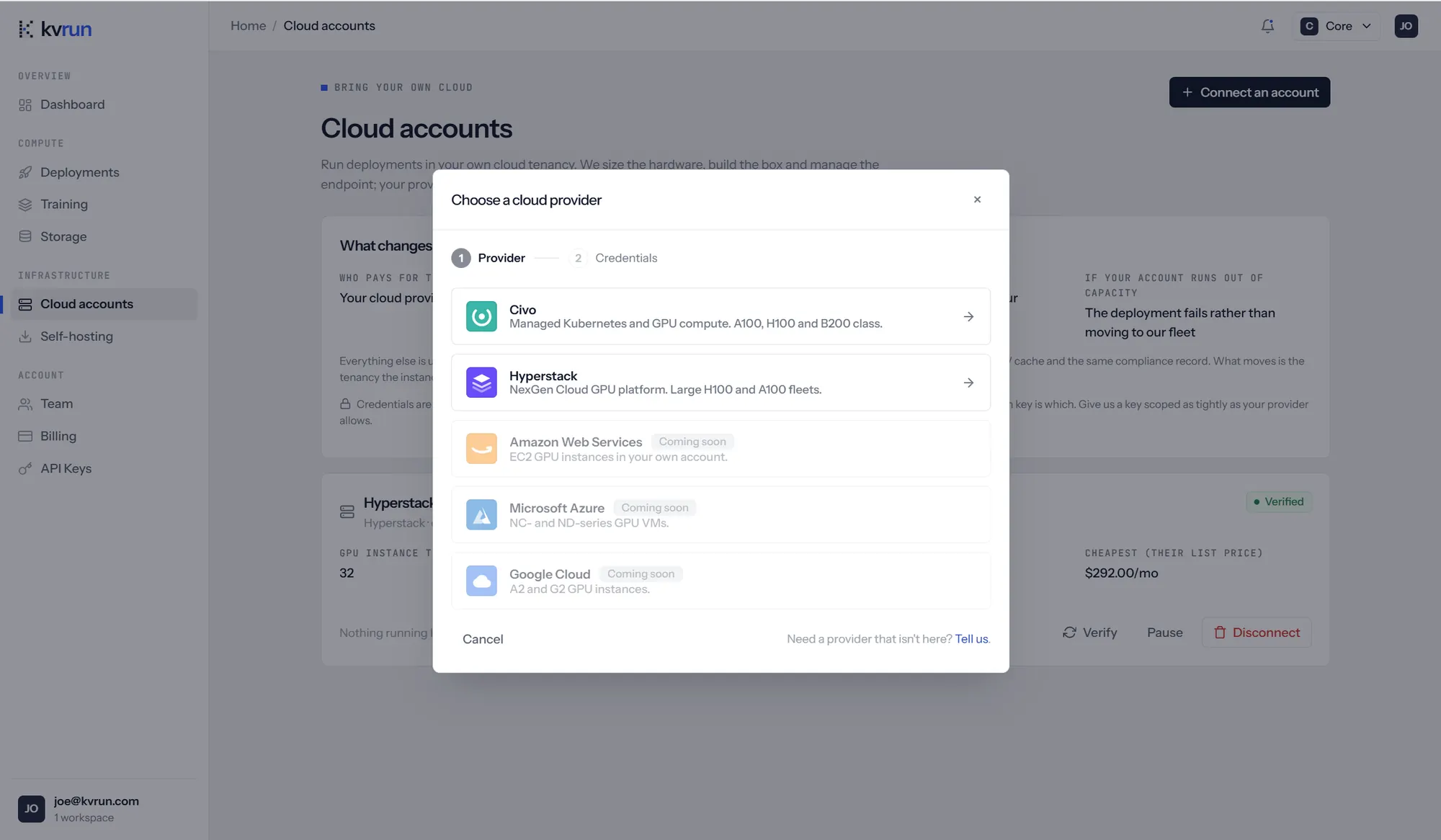
Civo and Hyperstack are connectable today; AWS, Azure and Google Cloud are marked coming soon in the picker. Credentials are sealed before they are stored, bound to the record that holds them so a ciphertext cannot be moved between accounts, and are never returned by the API: the console shows the last four characters and nothing more.
Two refusals worth knowing about before you depend on this:
- No fallback. A deployment pinned to your cloud account fails when that account is out of capacity. Quietly landing it on our fleet would move your spend to our bill and your data into a tenancy you connected an account specifically to avoid.
- No orphan sweep. We do not enumerate and delete instances in an account we do not own. Teardown is explicit.
If a connected account is later disconnected, any deployment still running in it keeps costing you money in your own account and can no longer be torn down from the console. The deployment page says so loudly; go and remove the instance yourself.
Your own server
Hardware you already own, enrolled once by an operator. Placement onto it is then automatic, and kvrun charges a monthly fee rather than infrastructure.
Self-hosting
Self-hosting takes the platform off our infrastructure entirely. A single binary runs the same containers on your own machines: the serving engine, the marking proxy, and optionally a chat UI. There is no control plane and no network path back to us, and nothing leaves your estate. The marking proxy is extracted from the managed platform's own source at build time, so markings are byte-identical.
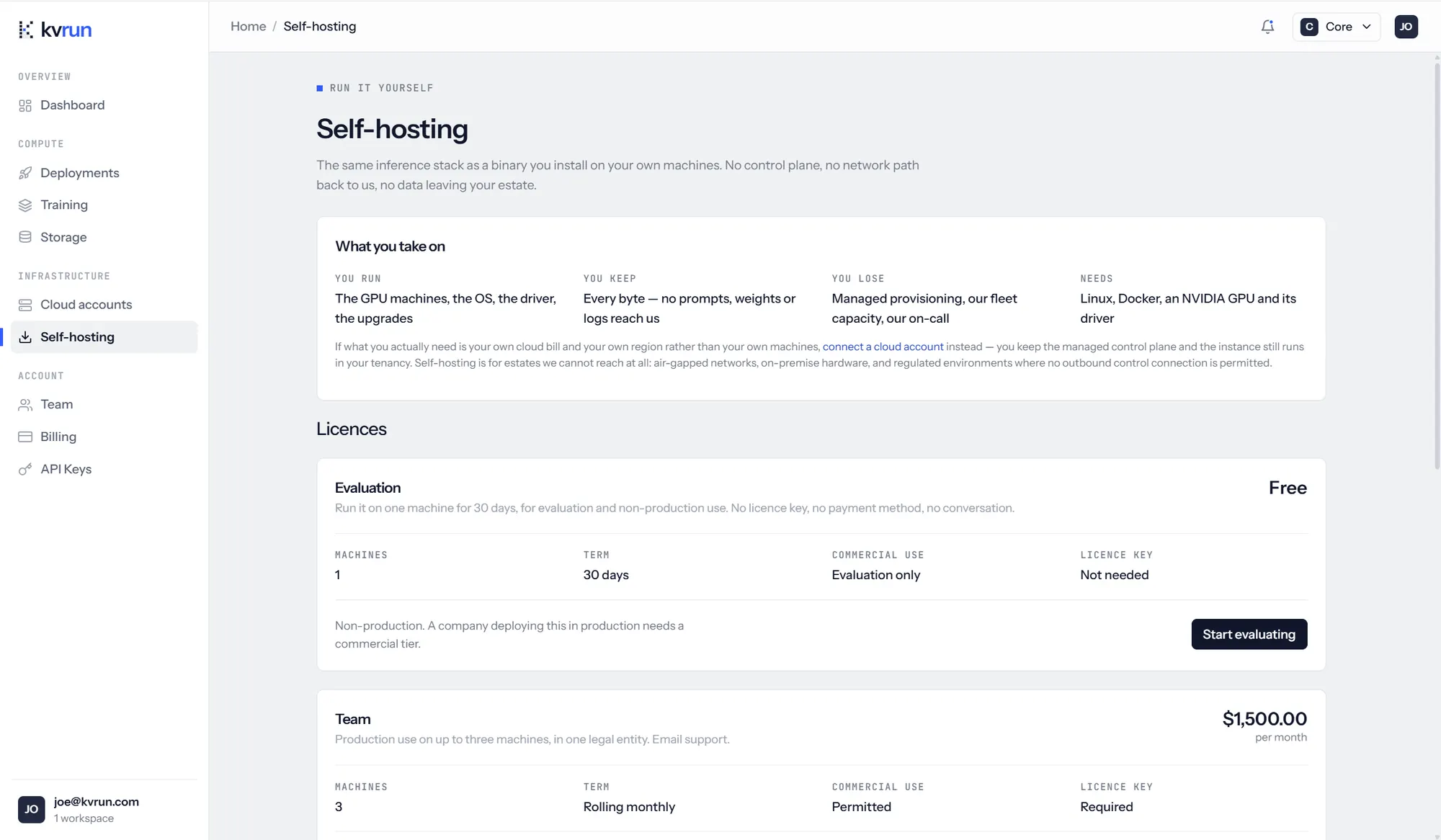
The page also says plainly when self-hosting is the wrong answer: if what you want is your own cloud bill and your own region rather than your own machines, connect a cloud account instead and keep the managed control plane. Self-hosting is for estates we cannot reach at all — air-gapped networks, on-premise hardware, and regulated environments where no outbound control connection is permitted.
| Licence | Machines | Term | Commercial use |
|---|---|---|---|
| Evaluation, free | 1 | 30 days | Evaluation only, no licence key |
| Team, $1,500/mo | 3 | Rolling monthly | Permitted, licence key required |
Issued licences, and which installations have checked in, are listed on the same page.
The licence check is an entitlement gate, not a kill switch. It refuses to start new deployments when unlicensed. It never stops a model that is already serving, and it keeps serving for 30 days with no contact at all, because a billing system's uptime should not be a single point of failure in your production.
Choosing
- Managed if you want the GPU problem to be someone else's.
- Your cloud account if committed spend, a specific region or your own tenancy is the constraint.
- Your own server if the hardware already exists and is sitting idle.
- Self-hosted if the workload may not touch a control plane you do not run.
Questions
- Does governance work the same in my own cloud account?
- Yes. The governed KV cache, the audit log, firewall rules and the compliance record are identical. Only the tenancy changes.
- Can one workspace mix placements?
- Yes. Placement is chosen per deployment, and the deployment page says where each one runs.
- What happens to a self-hosted install if my licence lapses?
- Models already serving keep serving. New deployments are refused until the licence is current.
- Which clouds can I connect?
- Civo and Hyperstack today. Ask us about anything else: get in touch.